
Amazon wants white. Actual white.
Not “nearly white”. Not “studio white”. White 255, 255, 255, the exact number.
And here’s what drives half of Barcelona mad: you can shoot on a flawless white cyclorama, look at the photo on screen and see perfect white. Amazon rejects it anyway.
Because JPEG lies. Compressing the file leaves pixels of 253, 254, 252 around the product’s edge. You see white. The scanner sees three numbers that aren’t its own, and suppresses the listing.
And no, fixing your white balance doesn’t help. That shifts the colour of the image; it doesn’t force the background to be 255.
The only thing that works: cut the product out and drop it onto a white that’s been generated, not photographed. The shadow stays attached to the product instead of bleeding across the background.
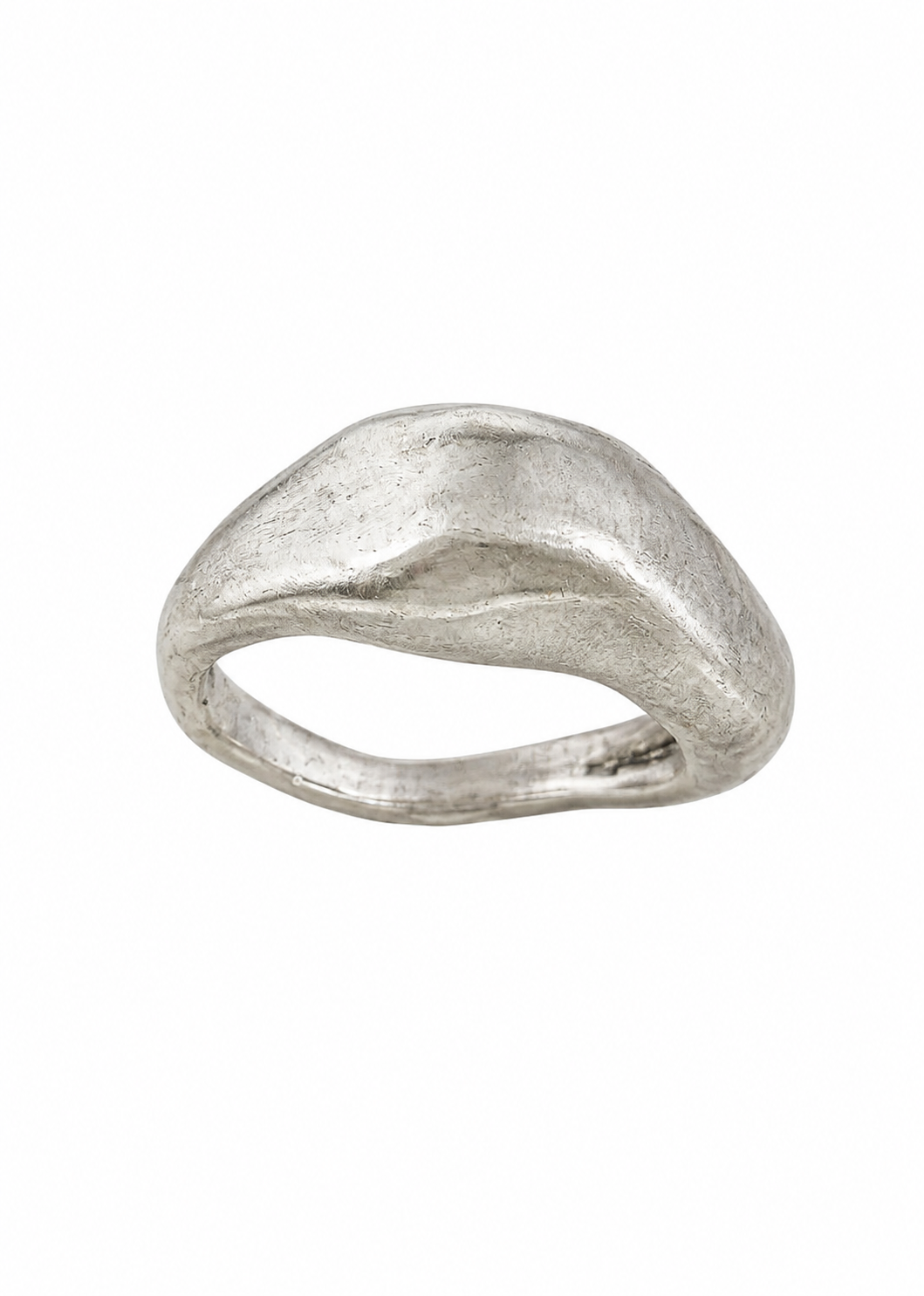
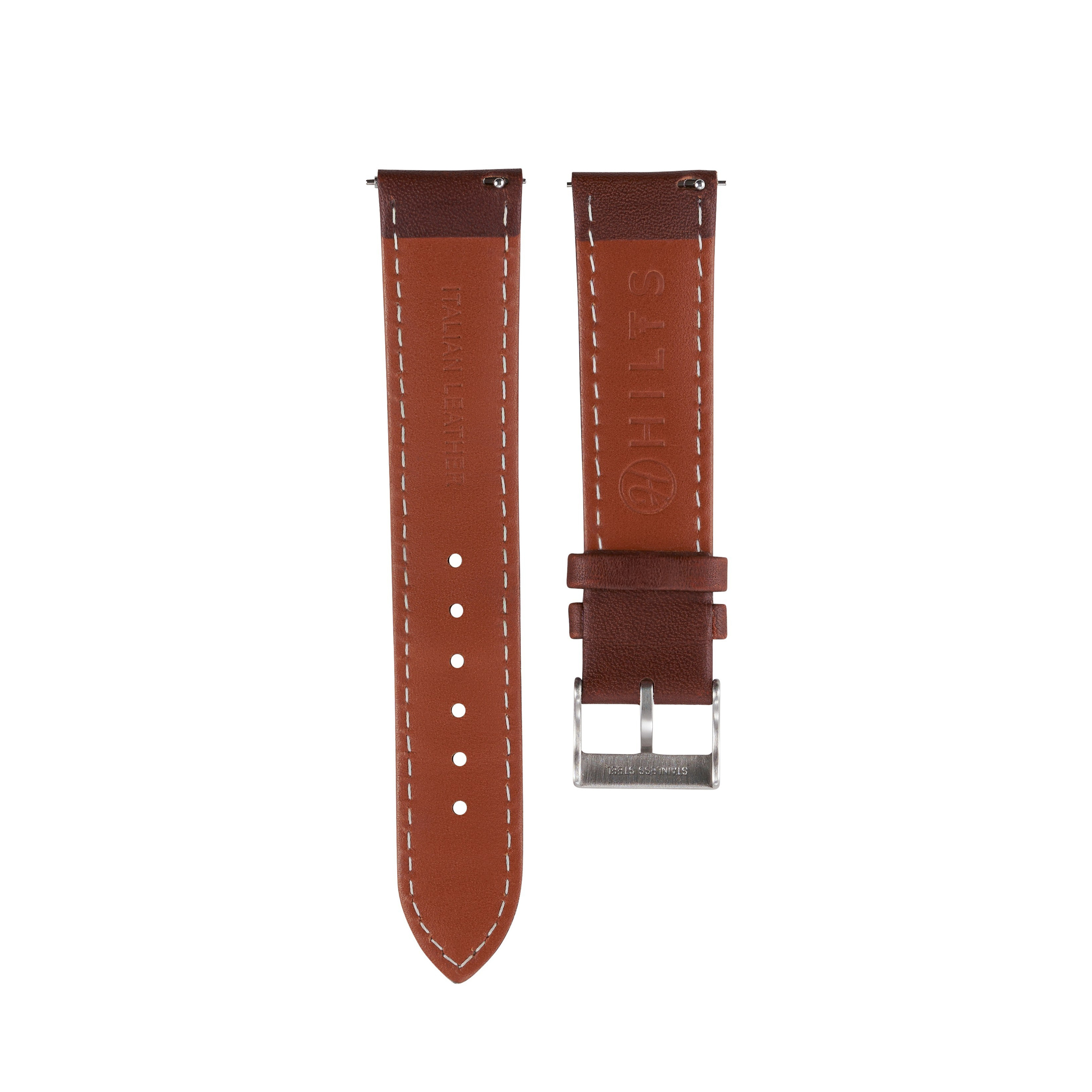
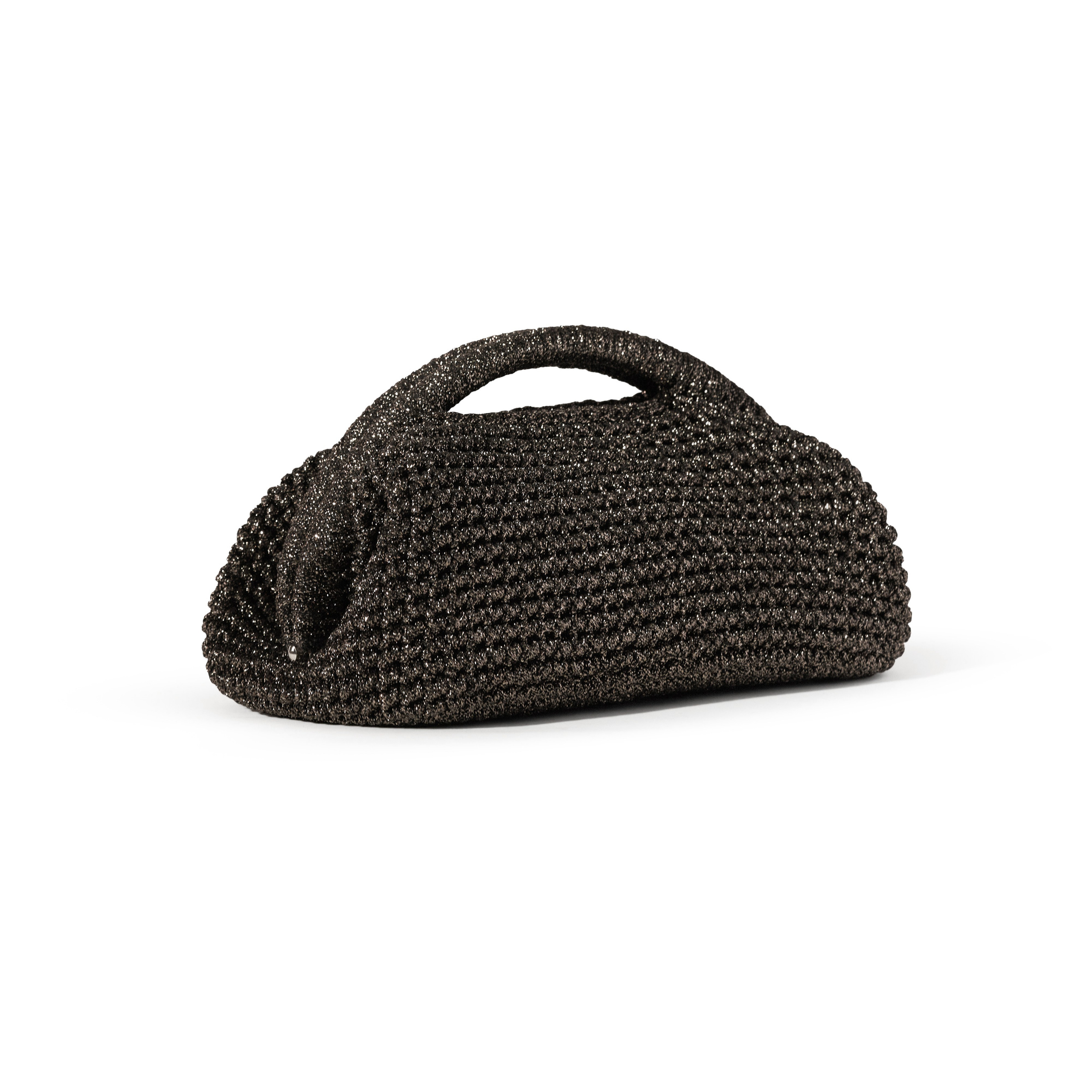
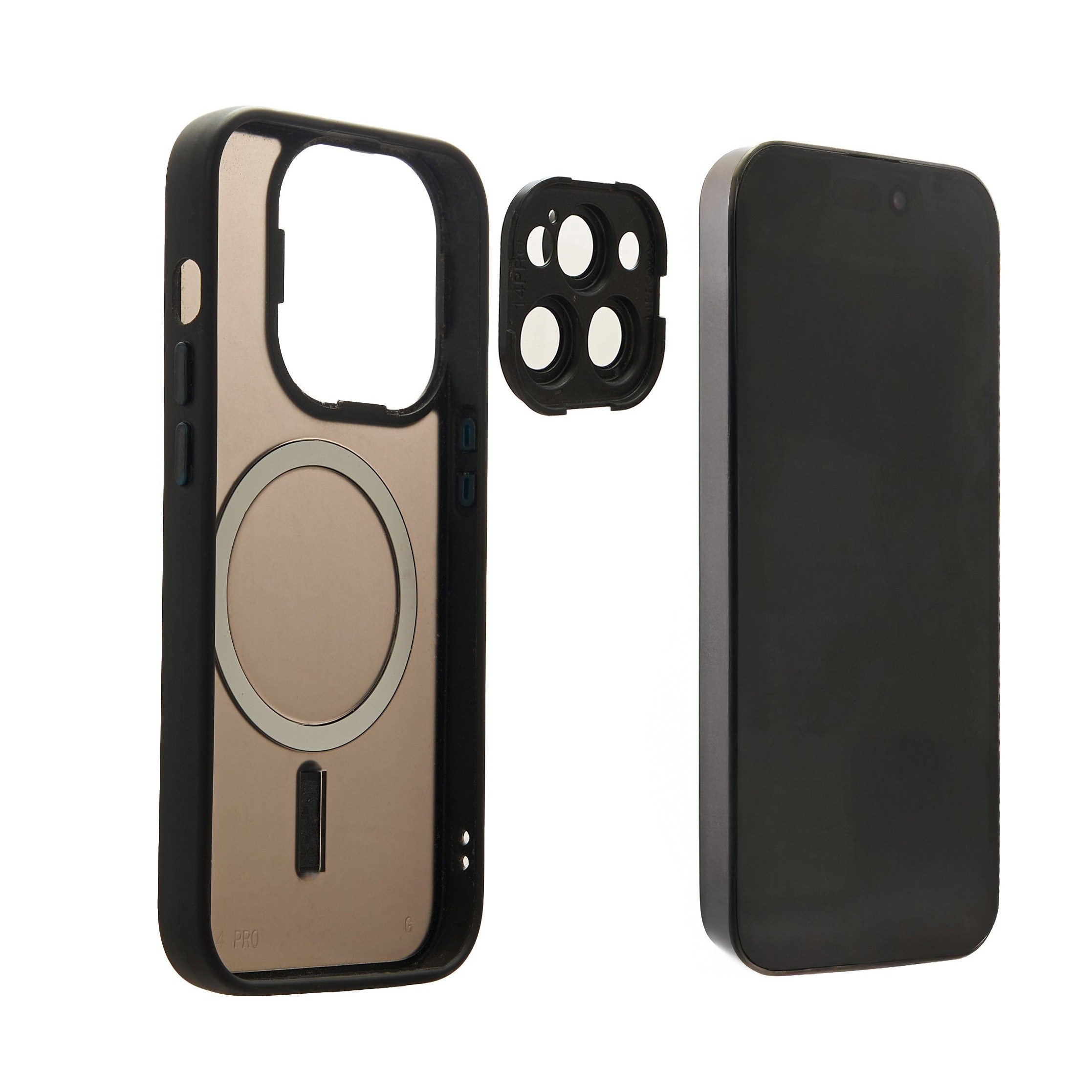
Check it yourself right now. Open any catalogue photo of yours, take the eyedropper and click the four corners. Then click right next to the product. If it reads 254 instead of 255, you now know why that listing hasn’t shown up for two weeks.
We generate the white rather than photographing it. It’s part of how we prepare e-commerce files.
The 85% rule, and the mistake of overdoing it
Amazon wants the product filling 85% of the image. A tiny shoe floating in a big white square gets flagged and drops out.
But going too far doesn’t work either. If the product touches the edge or gets clipped, it’s out. You need a thin margin, and the same one on all four sides.
That has a practical consequence almost nobody plans for: you can’t crop the same frame for every platform. What fills Amazon’s square feels cramped in Zalando’s vertical. They’re two different framings from the very first shot.
What can’t be in the main image
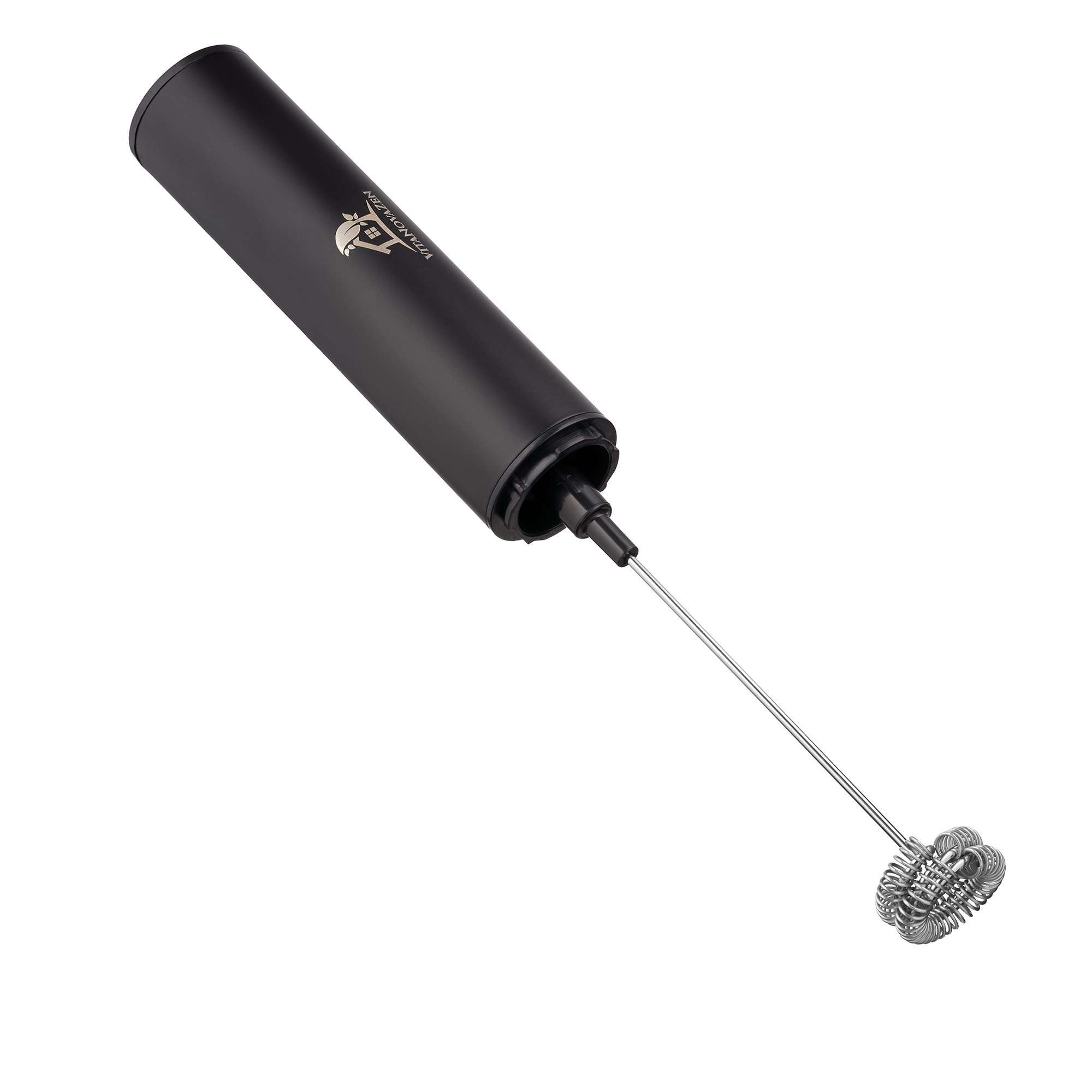
No text over it. No added logos. No “Best Seller”, no “-30%”. No borders, no frames, no gradient backgrounds.
No props that don’t come in the box either: if there’s a lovely cup next to the soap and the cup isn’t for sale, it goes.
A logo printed on the product itself is fine. A logo you put on top in Photoshop isn’t.
The category rules everyone forgets
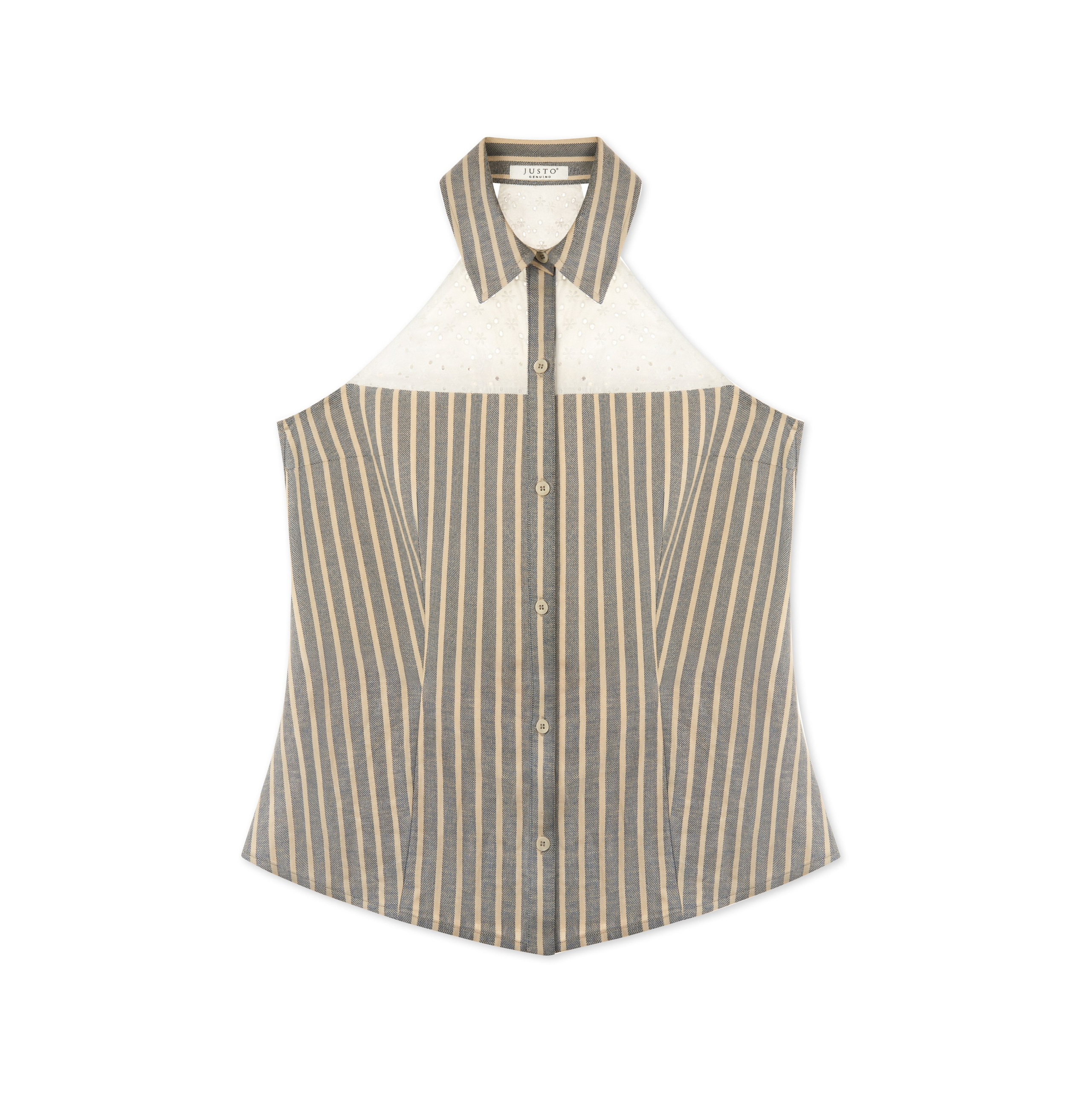
Adult clothing: on a live model or with a ghost mannequin. A beautiful flat lay won’t work as a main image, even if it’s the best shot in the catalogue. And watch the mannequin: it has to be genuinely invisible. Half-removing it and leaving the garment distorted gets rejected too.
Children’s and baby clothing: the exact opposite. Flat lay is preferred and live models are restricted.
Multi-packs: flat lay required, no model and no mannequin.
Footwear: a single shoe, facing left, at 45 degrees. The full pair goes in the secondary images, never the main one. This is the one most people miss.
Jewellery: no display props. No busts, no stands, no little boxes. Necklaces are the only exception to showing the whole product: they can be cropped at the edge to show off the pendant.
Clothing accessories: no visible part of a mannequin. Exception: stockings and socks.
For footwear that means a fixed angle set per pair, identical across the whole collection. Shoot the third pair half a degree off and it shows in the store grid.
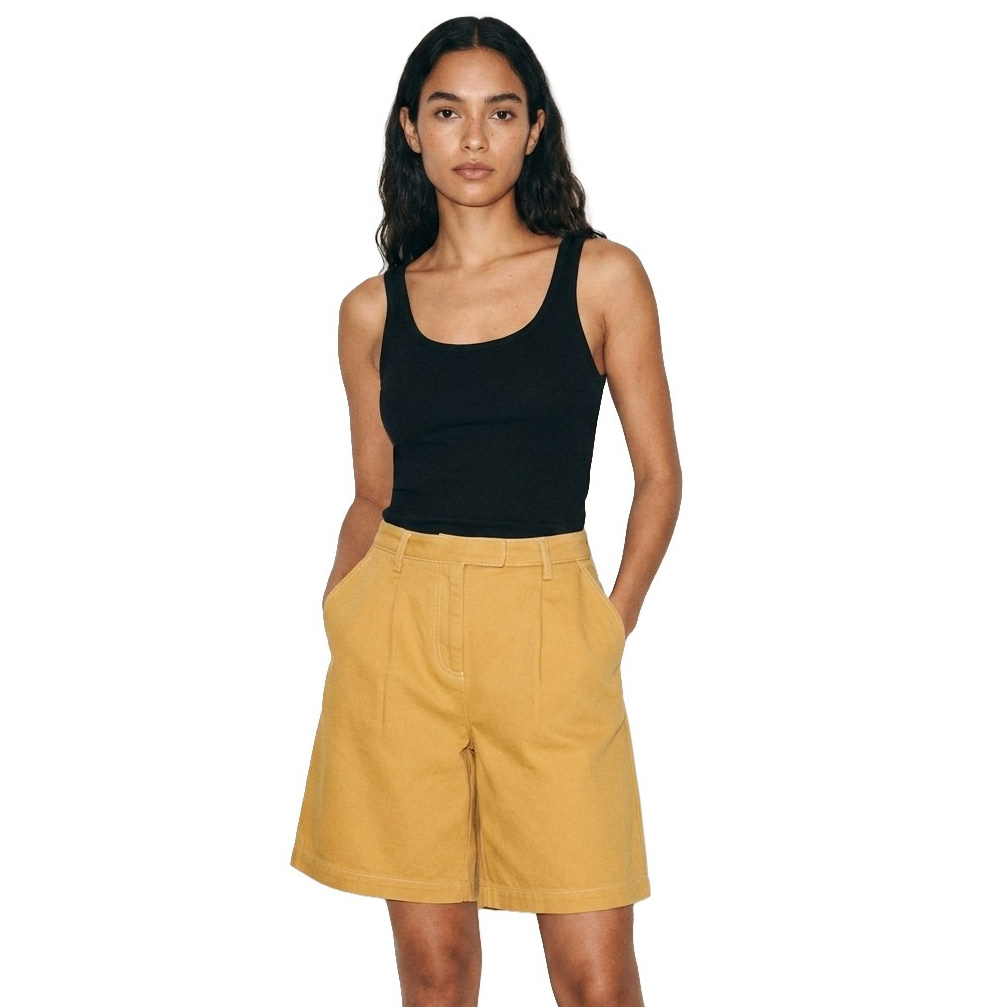
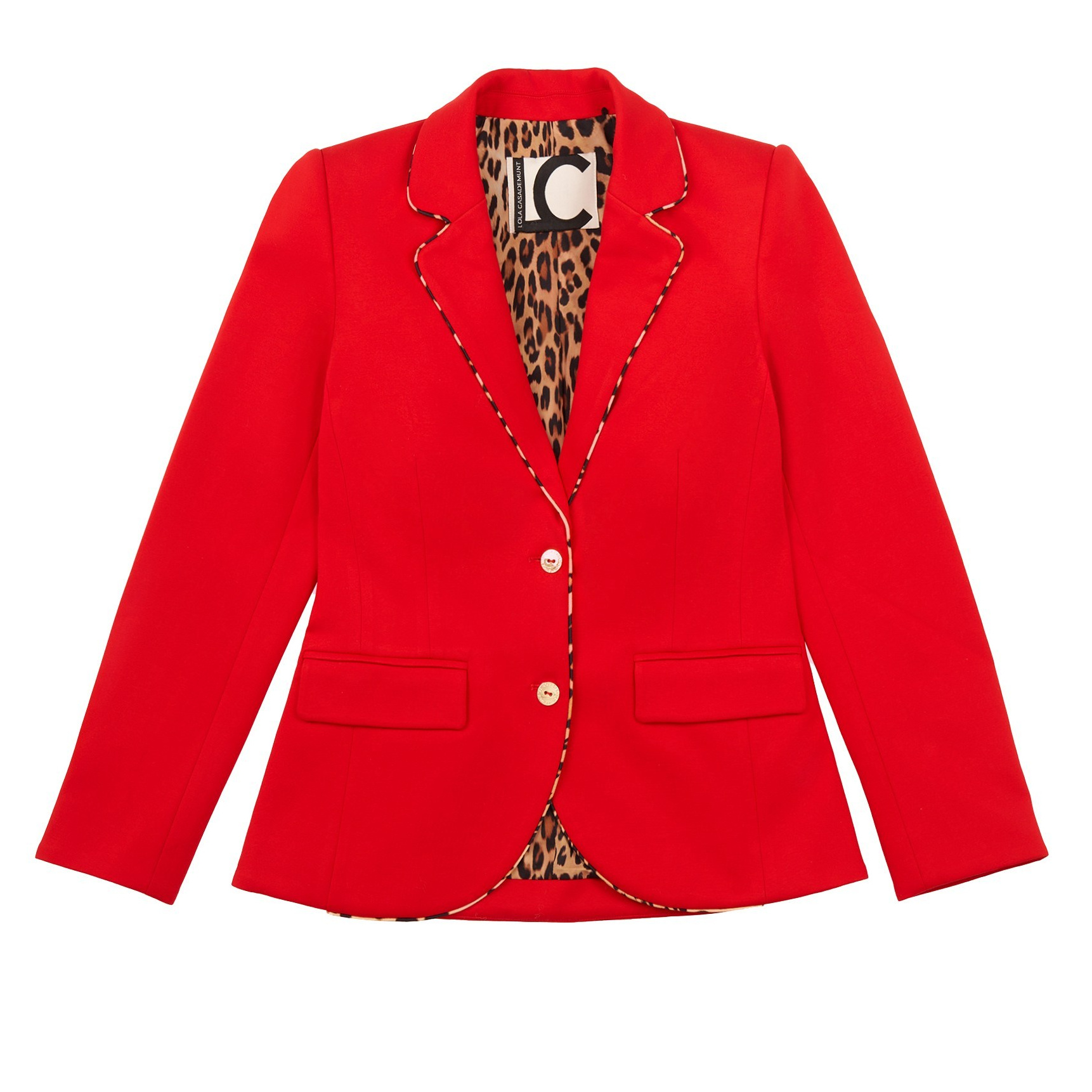
The same catalogue, two sets of rules
Rows marked with a rule are where the two platforms actively contradict each other. This is why the same frame can't be cropped for both.
Specifications as of 2026. Platforms revise them — check before a large upload.
The rule that wrecks large catalogues
Repeating an image to hit the required count = the article is rejected.
Each article type asks for a specific number of photos. And when you’re finishing a sixty-piece collection and one reference is two shots short, the temptation is obvious: take one you already have, crop it differently, move on.
Zalando spots it. And it doesn’t reject the image — it rejects the whole article.
The worst part is when you find out. Not while uploading that reference. While uploading all sixty.
That’s why we send the first pairs for approval before shooting the rest: the criteria get fixed by the brand instead of assumed by us. How we work.
Same model, same styling, every view
Every photo of the same article has to use the same model and the same styling.
Sounds obvious until a collection gets shot over two days, with two different women because one wasn’t free on Thursday. Then you’re reshooting.
Keep the styling simple. Accessories are there to support the garment, not to steal the frame.
What you can’t see, and what hurts more
Zalando calculates something called a Product Content Score. It directly affects whether your article gets seen inside the platform.
Amazon does something similar: image quality feeds into how it ranks your product in search.
So there are two ways to fail. Rejection, which you notice immediately. And invisibility, which you never notice, until one day you wonder why nothing sells when the listing uploaded perfectly fine.
Before you upload a catalogue, run through this
- Eyedropper on the corners: exactly 255, 255, 255?
- Does the product fill 85% without touching the edges?
- Is there any text, logo or border sitting on top?
- Is everything in the frame included in the sale?
- For Zalando: JPEG? 1:1.44? Minimum 762 × 1,100?
- Is any photo repeated across references?
- Same model and same styling in every view?
- Are the files named by reference?
One failure makes the next one likelier
Since 2025 Amazon stopped doing periodic manual reviews and moved to continuous scanning: every image you upload gets evaluated on the spot.
And each ASIN carries a Risk Score. A listing that’s been suppressed once enters a higher-risk pool, where later violations get caught and actioned faster.
So it isn’t “we got away with it this time”. It’s that next time you get away with less.
One warning
Platforms change the rules. Zalando updated its guidelines in May 2026; Amazon tightened automated scanning the same year.
Before a large upload, it’s worth checking the official documentation. We do it on every project, because a hundred-reference catalogue rejected over the wrong ratio costs more than the shoot itself.
We prepare files to the current specifications of Amazon, Zalando and the major platforms. If an image is rejected, we redo it at no cost.
E-commerce photography · Footwear photography · See all prices
Why Do Watches Show 10:10 in Photos? Myths and the Real Reason
Still life photography in Barcelona
Product Photography for the Web in Barcelona: A Complete Guide to Improving Your Online Presence
Professional Product Photos: What They Change in Your Sales

Photography for online stores – sell more by showcasing better.
360 Product Photography: Revolutionize Your Product Presentation

How to Take Stunning Product Photos at Home: Creative Photography Tips
Fashion and Apparel Photography for Catalogs and Lookbooks: Why Professional Images are Key for Your Brand
Jewellery Catalogue Photos: What Makes an Image Sell
Food Photography in Barcelona: Attract Your Clients with Mouthwatering Images
Types of product photography and what each one is for

3 Common Misconceptions About Marketplaces in Spain: Sellers' Perspective
The Importance of Quality Food Photography for Glovo Listings